From portrait to a natural composite
AI removes the original background and matches the scene’s lighting, colors and shadows.
A Paris side street. A Tokyo afternoon. A New York moment. Explore destinations around the world on Google Street View and create your own AI travel photos.
Discover AI travel photos shared publicly by other travelers. See how it works ↓
1 free try without an account · 5 a day when signed in

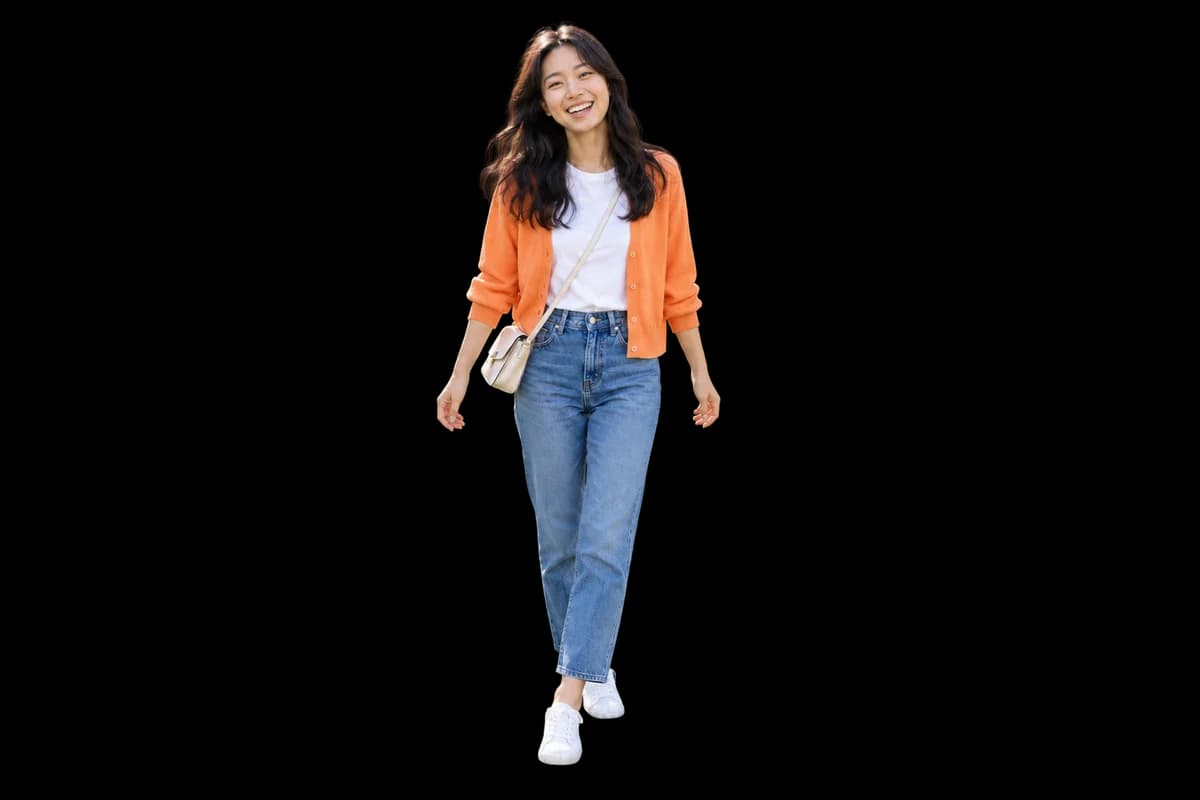

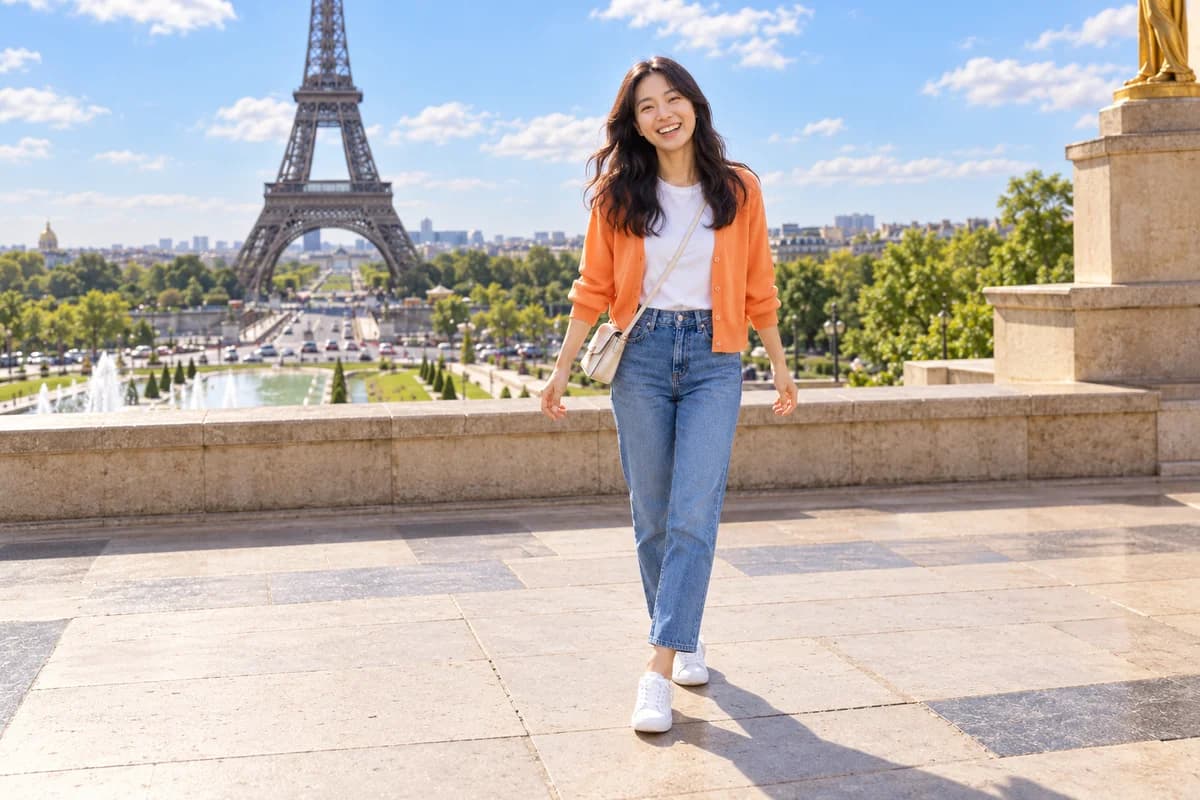 ↗ Your photoYOUR BACKYARD
AI-created demonstration. Actual compositions vary depending on your photo and location.
CHOOSE YOUR NEXT SCENE
Explore our guides to making travel photos in Paris, Tokyo and New York, then find your own destination. Virtual travel photos use locations covered by Google Street View.
A SMALL UPLOAD. A BIG JOURNEY.
Create a new travel scene without complicated editing tools.
Choose a portrait with a clear face and body. AI removes its original background during compositing.
Search for a place on Google Maps and choose the direction and scene in Street View.
Set your position and size, then generate. Adjust the position again after generation or download your result.
MADE FOR YOUR IMAGINATION
AI removes the original background and matches the scene’s lighting, colors and shadows.
Explore places with Google Street View coverage and choose the direction of your background.
Drag or use sliders to reposition and resize the person. Applying the edit uses one generation.
Download your image, share the result link, or try pixel styles for a different mood.
Street Drop is a virtual travel service that turns a portrait taken at home into an AI travel photo set in a destination around the world. Choose a real street scene on Google Street View and AI removes the original background and blends you into the new location. Search for places, adjust your position and size, and download the result in your browser. The result is an AI composite, not a record of an actual visit.
Make your first image, then discover somewhere new each day.
1 try without an account
5 generations a day when signed in
Applying a position edit creates a new image and uses one generation.
GOOD TO KNOW
Learn what virtual travel means, how to create AI travel photos and which destinations you can use.
Virtual travel lets you experience destinations through a screen without physically traveling there. With Street Drop, you choose a street scene on Google Street View and blend in your portrait to create an AI travel photo that places you in the scene.
Yes. Upload a portrait taken at home or in your yard, search for an overseas city, and select an available Street View scene. Set your position and size, then let AI composite you into the new background. Use a clear portrait; results vary with the source photo and selected model.
Upload your portrait and search for a location on Google Maps. Choose a Street View scene, set the person’s position and size, and let AI remove the original background and composite the person into the street.
You can use places covered by Google Street View. Not every country, street or interior has imagery, so check the available scenes on the map.
AI removes the original background as part of compositing. Person extraction and placement into a new scene happen together. A separate transparent PNG cutout download is not currently available.
Choose Adjust position on the result screen, then drag or use sliders to change position and size. AI regenerates using the previous result as a reference and uses one generation. Cancel to keep the original result.
Guests get 1 generation total and signed-in members get 5 per day. When a new friend signs up through your invite link, you receive 5 bonus generations. Daily credits are used first, and unused bonus credits carry over. Repositioning also uses one generation. You can invite friends at any remaining balance; unused bonus credits accumulate without expiry.
No. It is an AI composite using a real street image as its background, not evidence of an actual visit or photo shoot. Faces, edges and shadows may vary with the source photo and selected model.
That street you have always wanted to see. Start with one photo.
Travel from my screen ↗